
Home screen with icons
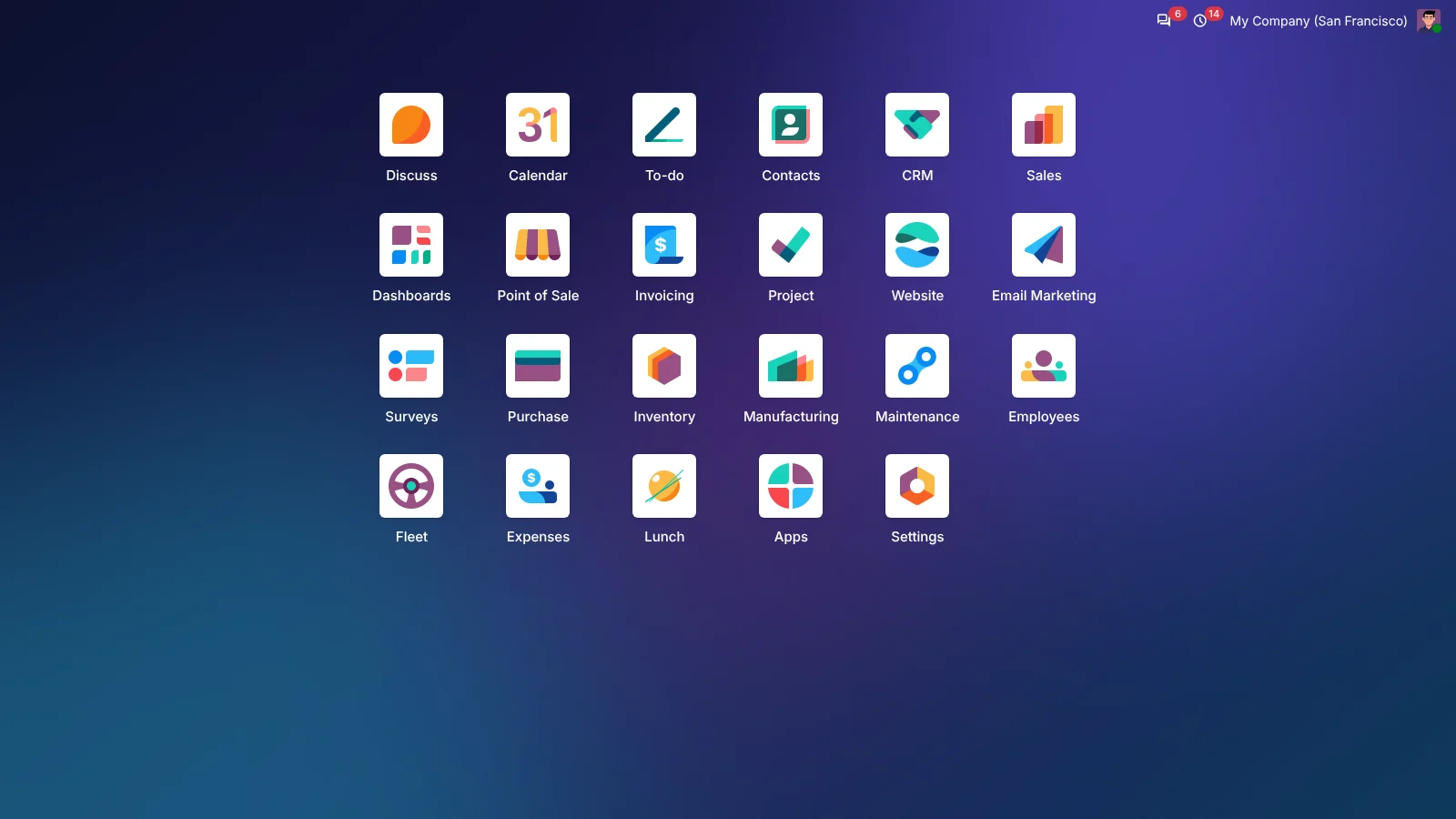
All your apps in a grid in the middle of the screen: six per row on a computer, three or four on phones and tablets.
All your apps as icons on one clear screen. Inside an app you only see that app and its menus. One click on the app icon and you are back home.
What you get
Install, log in and your home screen is ready. Nothing to set up.
All your apps in a grid in the middle of the screen: six per row on a computer, three or four on phones and tablets.
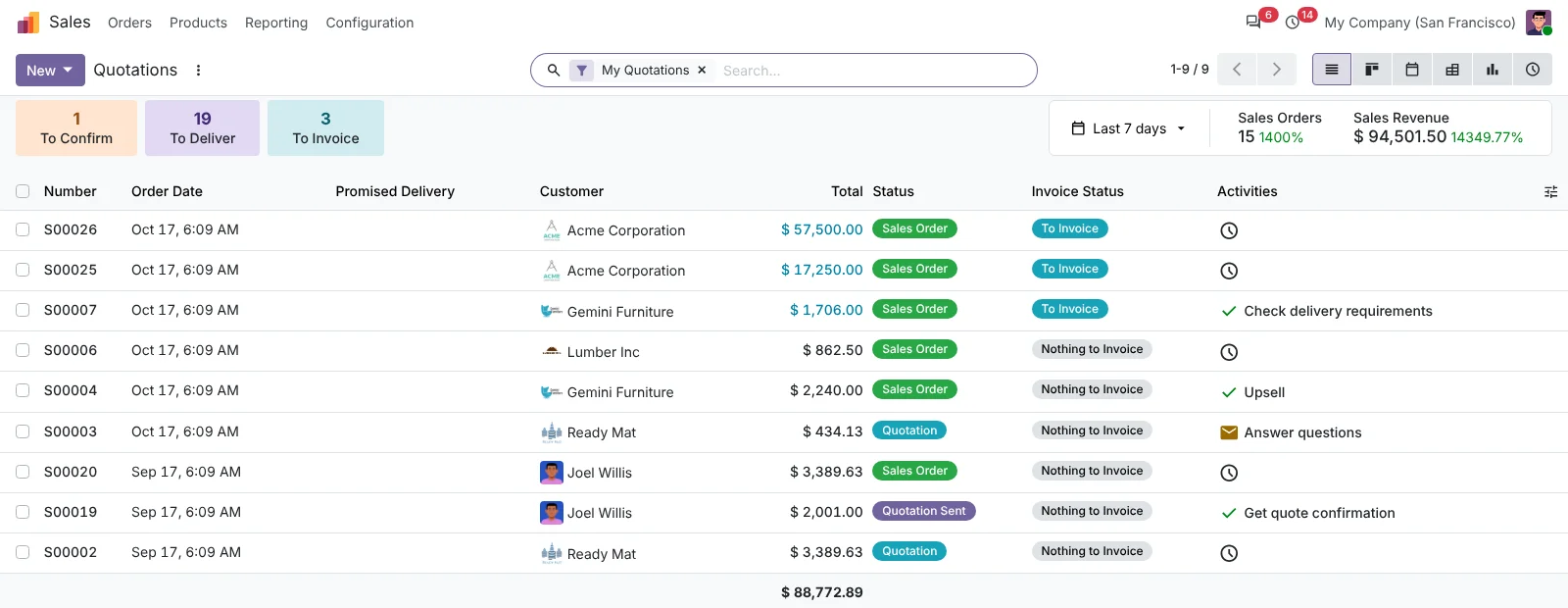
Inside an app you only see the app icon, its name and its menus at the top. No bar of apps taking up space.
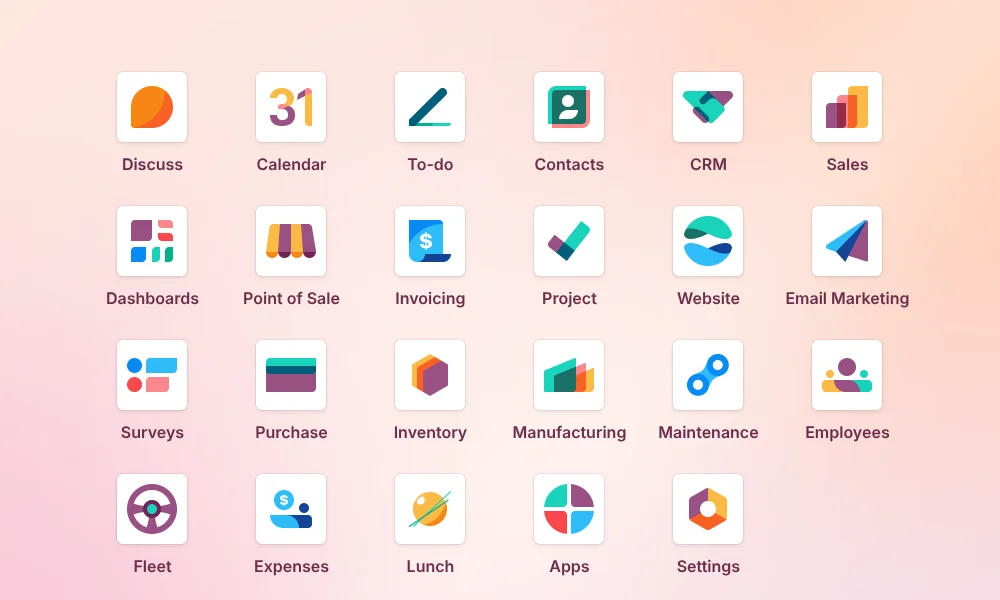
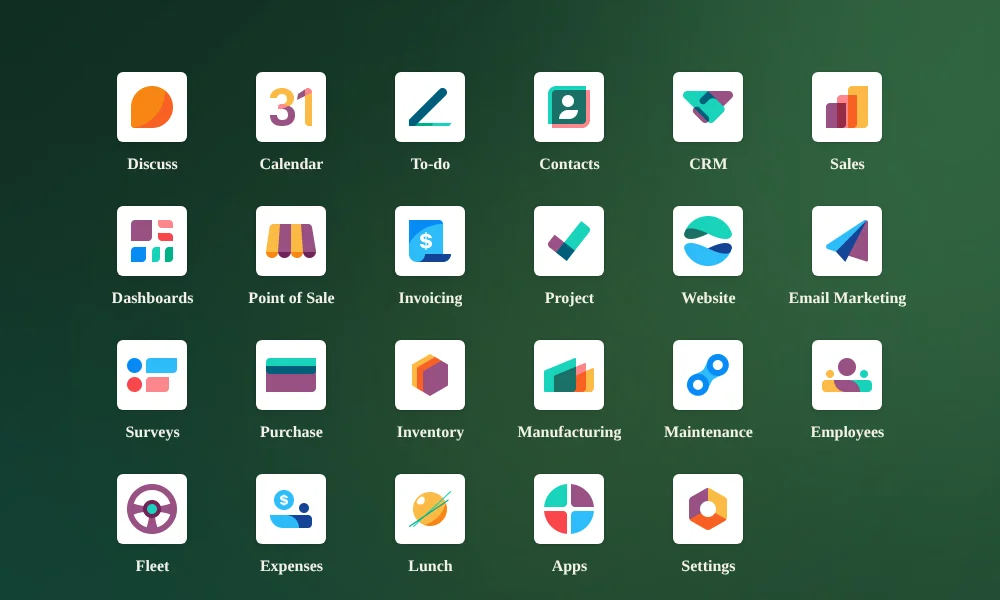
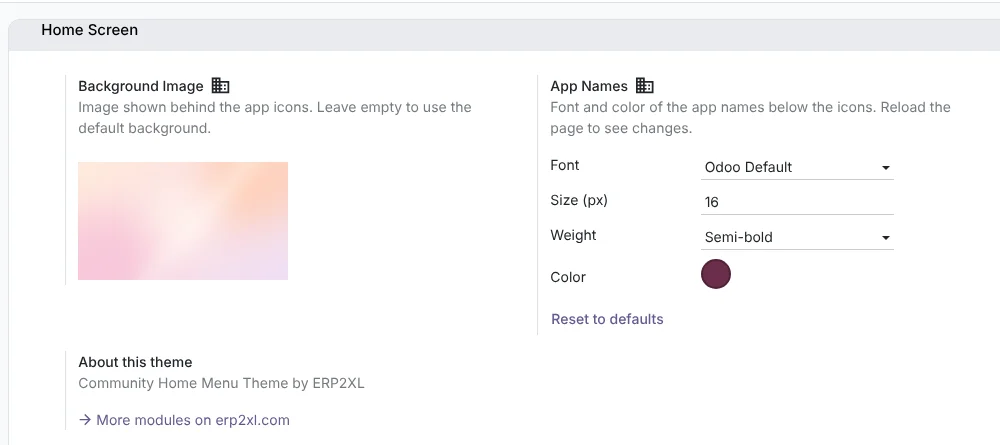
Choose your own background and the font, size, weight and color of the app names. Per company.
Press and hold an icon and drag it to another place. Every user keeps their own order.
Arrow keys and Enter to open an app, Escape to go back, and just start typing to search all menus.
On phones and tablets the grid adapts. Odoo's own menu button stays available for the menus of an app.
Inside an app
Open an app and the screen belongs to that app: its icon and name on the left, its menus next to it. Move your mouse over the icon or name and a back arrow appears.

Examples
Each style is just a background plus the settings for the app names. All from the settings screen, no code needed.




Settings
Go to Settings › General Settings › Home Screen and match the home screen to your brand.
Frequently asked questions
Yes. The theme is free and open source under the LGPL-3 license. There is no subscription and no trial period.
For Odoo 20 Community, on your own server or on Odoo.sh. Other versions may follow later.
Better not with modules that replace the apps menu or add an apps side bar. Uninstall those first, otherwise they get in each other's way.
No. The theme adds no columns to your database, so copying the new files and restarting Odoo is enough. Upgrading the module is fine, but not required.
Go to Apps, search for Community Home Menu Theme and choose Uninstall. Odoo then looks as it did before.
Free, installed in a few minutes and ready to use straight away.