
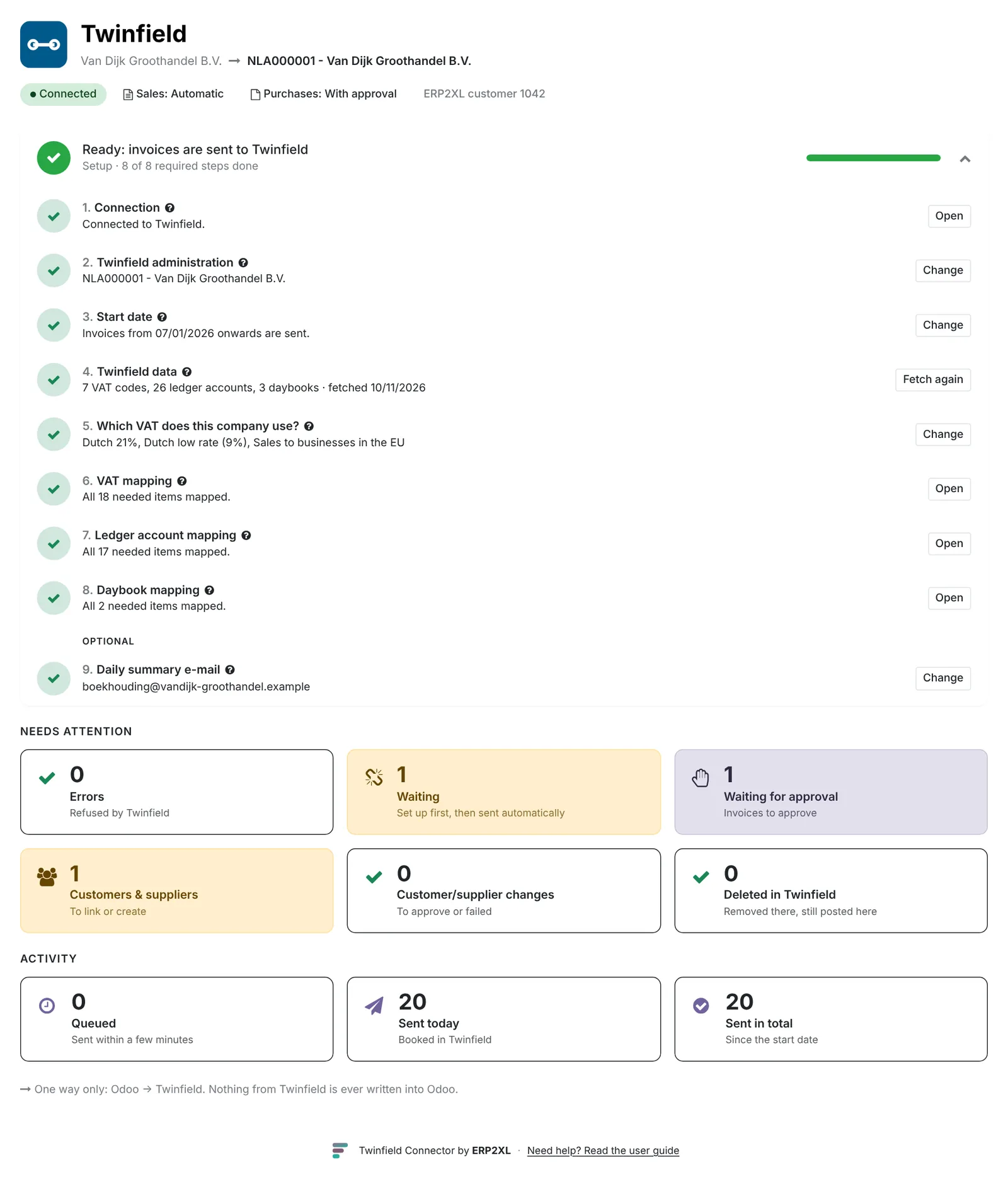
Twinfield › Overview is your starting point. You see at a glance which steps are still to do, what needs attention and what has been sent. All tiles at zero? Then everything is running.
The tiles
- Errors: refused by Twinfield.
- Waiting: set something up first, then it goes by itself.
- Waiting for approval: invoices to approve.
- Customers & suppliers: to link or create.
- Changes: changes to customers or suppliers to approve.
- Deleted in Twinfield: removed there, still posted here.
When what happens
| What | How often |
|---|---|
| Sending invoices | Every 5 minutes, or right away with Send now |
| Changes to customers and suppliers | Shortly after saving (automatic) or after approval |
| Reading payment status | Every hour |
| Looking for deleted bookings, summary e-mail | Every day |
Log
Everything the connector does is in Reports › Log.
Need help?
Can't work it out? E-mail us with your ERP2XL customer number (see Twinfield › Configuration › Connection) and a short description, at [email protected].