
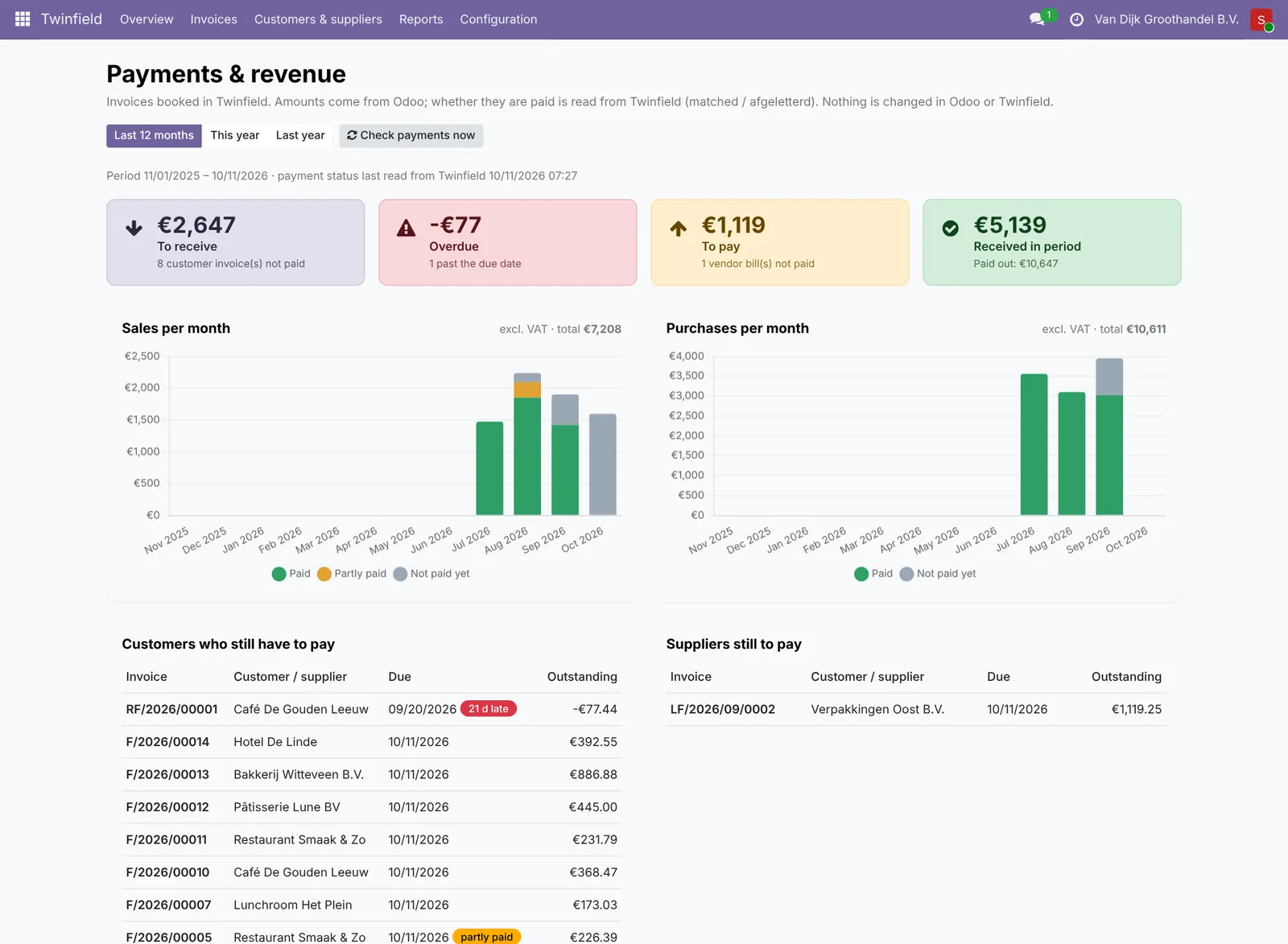
Every hour the connector checks in Twinfield which invoices have been paid. You see it on the invoice, in the list Twinfield › Invoices and in Reports › Payments & revenue: what has come in, what is still open and what is past its due date.
Statuses
Open, partly paid and paid (matched). Amounts are in the company currency. The payment status is for information: Odoo's own payment status does not change.
Update right away
With Check payments you ask for it right away (at most once a minute). The connector only asks about its own bookings, over the last 400 days.
Need help?
Can't work it out? E-mail us with your ERP2XL customer number (see Twinfield › Configuration › Connection) and a short description, at [email protected].